Whiplash
 **English** · [Русский](https://github.com/gellermanchik/Whiplash/tree/ru)
[](../../releases/latest/download/Whiplash-Installer.dmg) macOS 13+ · Universal: Apple Silicon & Intel · 1.4 MB · [MIT license](/Whiplash/LICENSE)
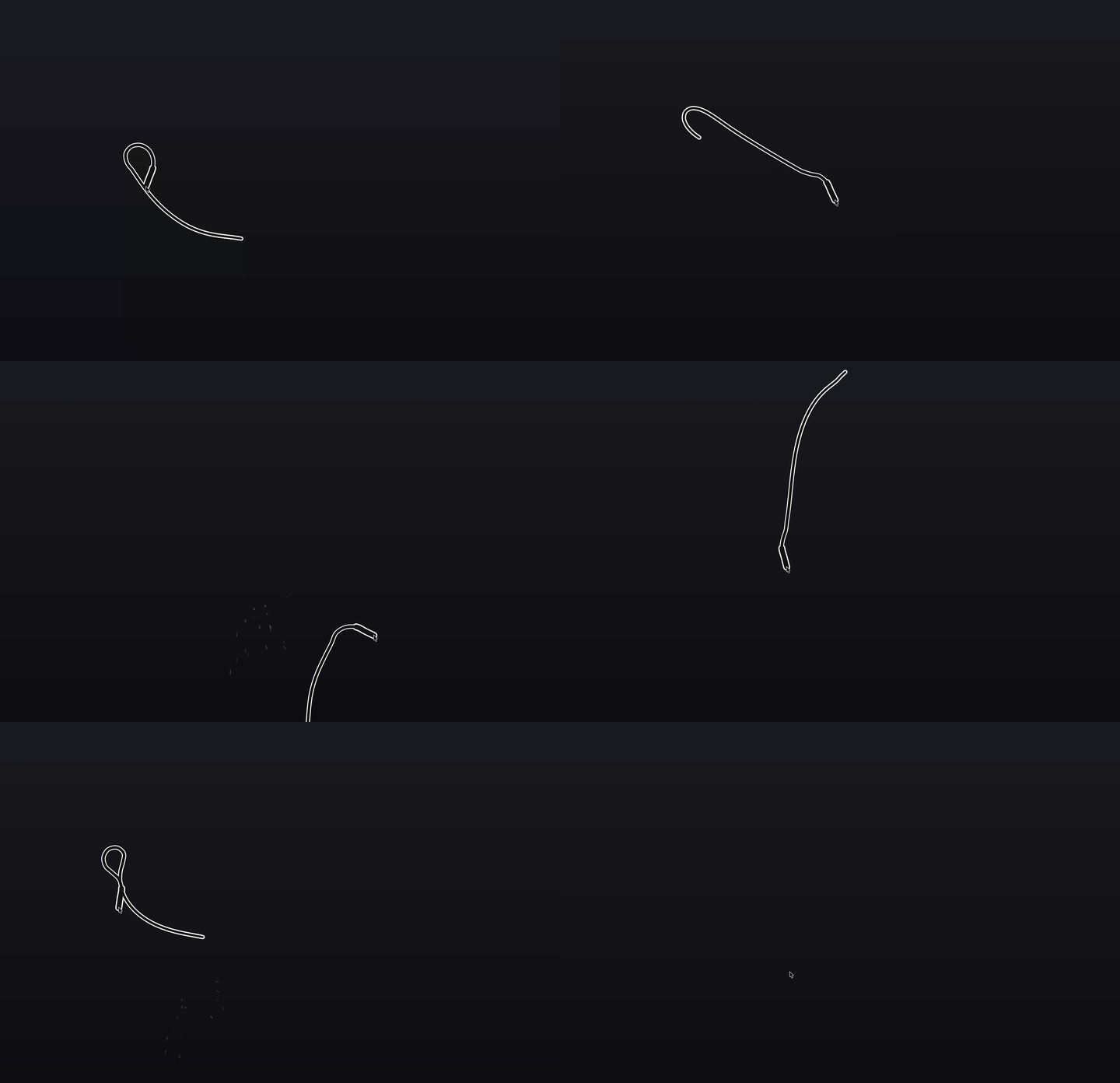 [▶ Watch with sound](https://gellermanchik.github.io/Whiplash/assets/demo.mp4)
Whiplash puts a physics-simulated whip in your macOS menu bar. Click the icon or press a hotkey — the whip appears at your cursor. Swing the mouse and it cracks, with sound and a visual effect of your choice.
It’s pure fun and a decent way to blow off steam: crack the whip over a stubborn build, a progress bar stuck at 99%, or an AI coding assistant (Claude Code, Cursor, Codex) that has been “thinking” a little too long. And it’s completely harmless — Whiplash draws the whip on top of your screen and does nothing else. No keystrokes sent, no interference with other apps, no macOS permissions required.
Features
- Native Swift app: 1.4 MB on disk, a single process, ~60 MB of RAM and 0% CPU while idle
- Real physics: the whip follows your mouse, bounces off screen edges and cracks with sound on a fast flick
- Works on any display, even over full-screen apps
- Global hotkey (default
⌃⌥K), re-bindable to almost anything - 8 whip colors plus a custom one via the system color panel, five crack effects
- 6 interface languages, optional launch at login, no Dock icon
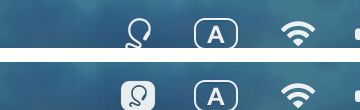
The menu bar icon shows the state — outline when idle, filled badge while the whip is out:
Install
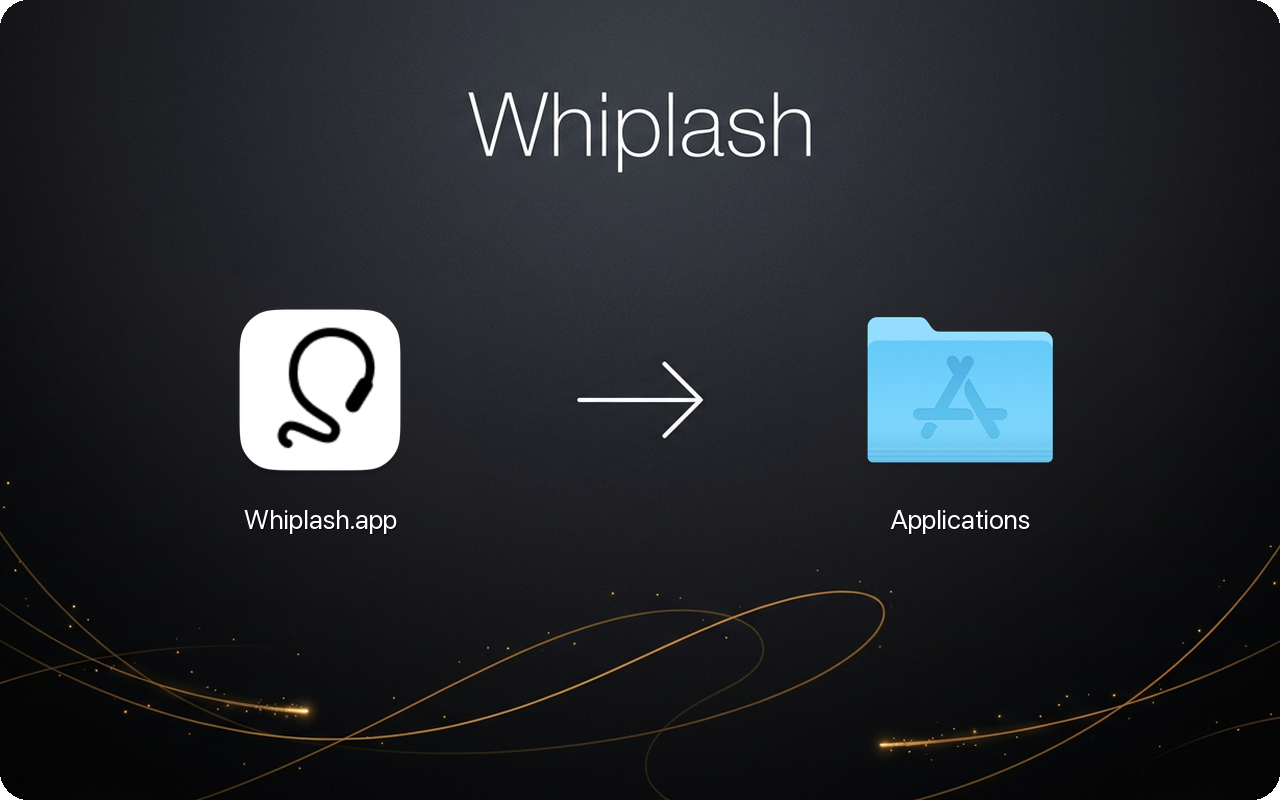
- Download the installer.
- Open it and drag Whiplash into Applications.
- Eject the installer. The whip icon appears in your menu bar on first launch.
The app is not notarized, so the first launch takes one extra step: macOS will refuse to open it. Choose Done (not “Move to Trash”), open System Settings → Privacy & Security, scroll down and click Open Anyway. No other permissions are needed — Whiplash doesn’t touch your keyboard, camera or files.
Terminal alternative that skips the dialog:
xattr -cr /Applications/Whiplash.app
Controls
| Action | Result |
|---|---|
Click the menu bar icon or press ⌃⌥K |
Whip appears at the cursor |
| Swing the mouse fast | Crack |
| Click anywhere, or the hotkey again | Whip drops off the screen |
| Right-click the icon | Summon Whip · Settings · Quit |
Settings
Right-click the menu bar icon and open Settings:
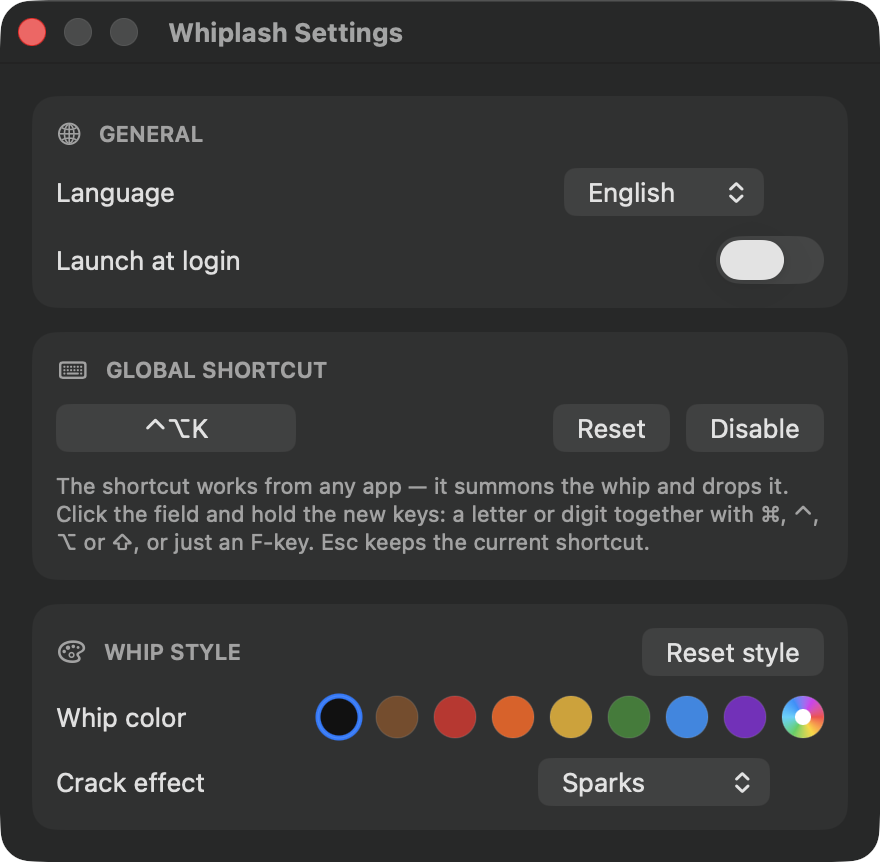
- Language and launch at login
- Hotkey: click the field and hold the new keys — a letter or digit with
⌘ ⌃ ⌥ ⇧, or a bare F-key - Whip color (presets or custom) and crack effect (Flash, Sparks, Flames, Shockwave, Rift)
- Reset style returns the color and the effect to defaults
Settings are stored in macOS preferences under the com.gellerman.whiplash
domain (defaults read com.gellerman.whiplash to inspect).
Build from source
Only Xcode Command Line Tools are needed (xcode-select --install):
git clone https://github.com/gellermanchik/Whiplash.git
cd Whiplash
bash build/build.sh
open dist/Whiplash.app
The script compiles the Swift sources in src/ into a universal binary
(Apple Silicon + Intel), assembles the bundle and signs it ad-hoc. To build
the installer:
python3 -m pip install dmgbuild pillow
dmgbuild -s build/dmg-settings.py "Install Whiplash" dist/Whiplash-Installer.dmg
Menu bar icons are generated from build/whip-source.png with python3 build/make-icons.py.